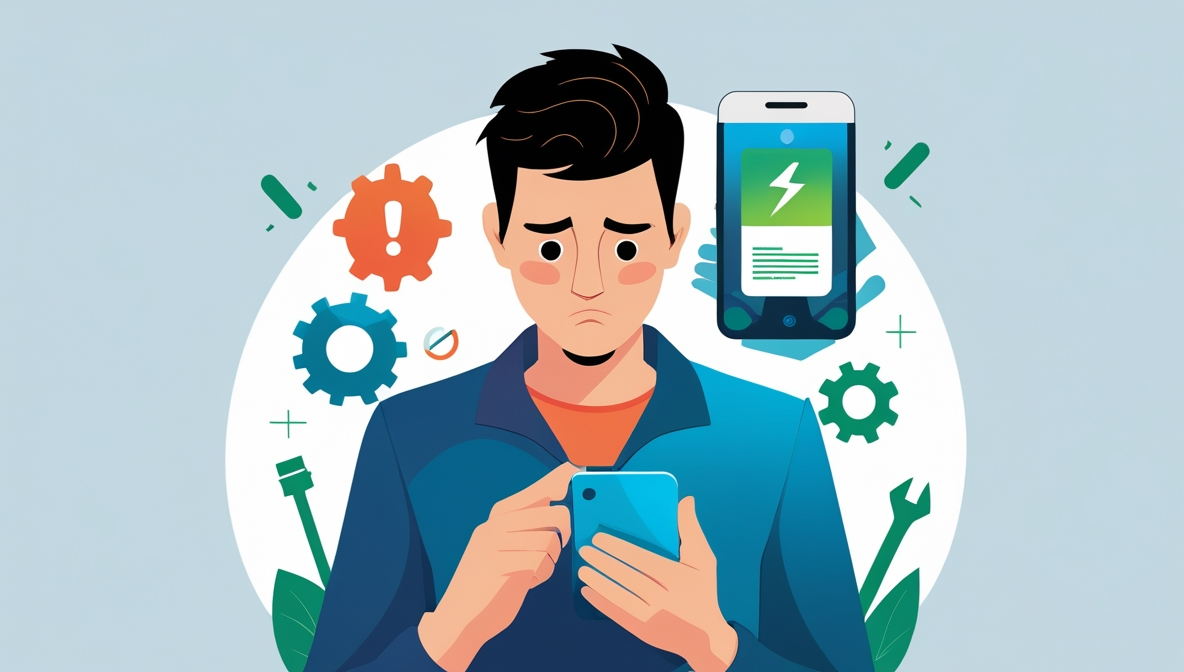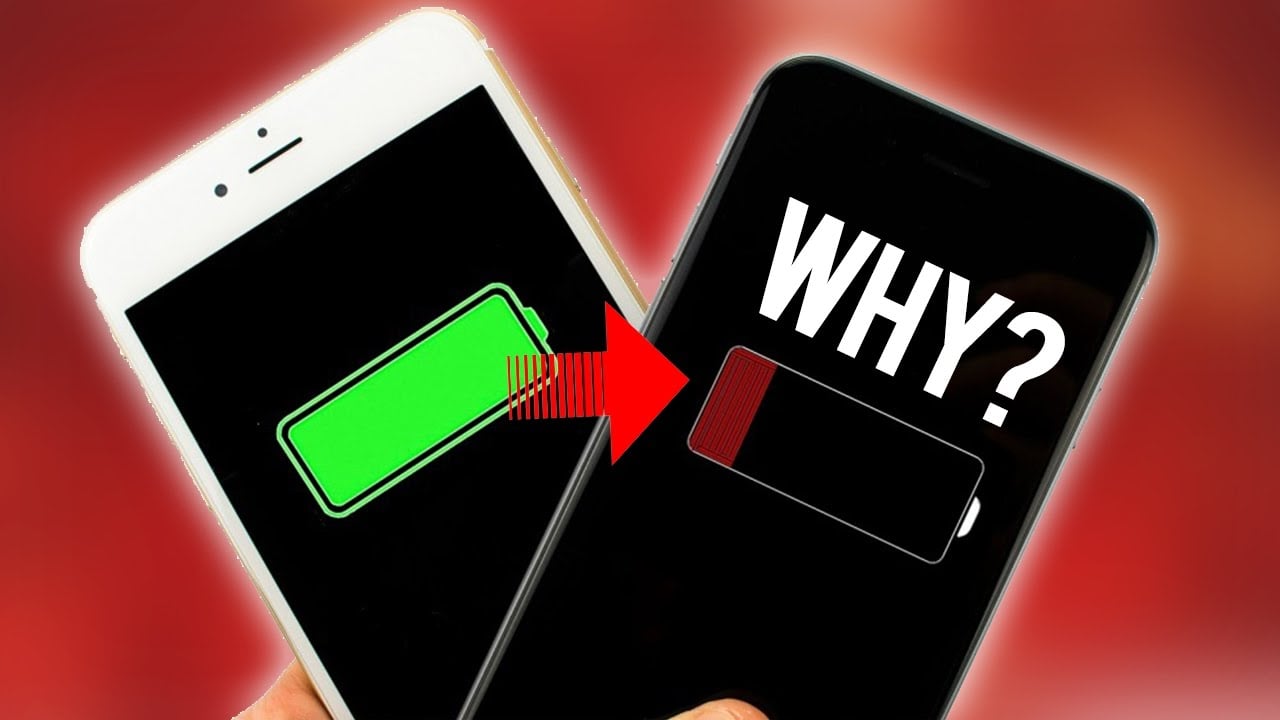
Welcome, everyone! In this new article in our “How-To” section, we’ll discuss solutions to the problem of rapid battery drain following frequent Android updates or after using your phone for long periods of time. Let’s get started:
The first part of our guide will cover how to fix rapid battery drain after updates
To do this, make sure you install the update officially via over-the-air (OTA) updates. Avoid using third-party updates or modified operating systems (Custom ROMs). Now, let’s move on to the important part. When you update your phone to a new version of Android, it may introduce new features and slightly different operating behaviors compared to the previous version. Therefore, you should check the following:
1- Go to your phone’s Settings, then Battery, and view the apps that use the most battery. Identify the apps that use the most battery, then restrict their background activity or temporarily disable them.
2- It’s best to enable Adaptive Battery mode in Settings > Device Care or Battery. This mode allows the system to prioritize power for essential apps, preventing apps from consuming unnecessary power and thereby extending battery life.
3- We all have dozens, if not hundreds, of apps, many of which we don’t use regularly or need very often. Therefore, make sure to stop unnecessary apps running in the background to reduce battery consumption and extend battery life. Please note that notifications may be delayed or interrupted if you stop apps from running in the background.
By following these steps, you’ll ensure your battery continues to perform at its best.
Now let’s move on to part two: how to maintain battery health after using your phone for long periods.
Many of us buy a phone and keep it for a long time—a year or several months—and you may notice a decline in battery performance or that it drains faster than before. Therefore, you should follow these steps:
1. Do not use your phone while it’s charging, as this will cause it to overheat and reduce battery quality in the long run. We all know that some high-end and mid-range phones are designed to handle power and charging, and some even protect the phone from overheating, but not all phones are like that. Therefore, it’s generally recommended to avoid using your phone while it’s charging.
2- Make sure to turn off unnecessary background apps to reduce battery consumption and extend its life. Please note that notifications may be delayed or interrupted if background apps are disabled.
3- Always use the original charger and cable to avoid damaging your phone’s battery.
4. Batteries can sometimes be damaged due to misuse and frequent charging, so it’s best to replace them.
5. Avoid using resource-intensive antivirus apps. In my opinion, the built-in security system in Google’s Android is sufficient, reliable, and effective.
6. Do not download apps from unofficial or suspicious sources, as they may contain viruses and harm your phone, its battery, and its performance due to their constant running in the background.
7. Review the list of apps installed on your phone and make sure there are no suspicious or unknown apps running in the background.
Finally, by following these tips and steps, I guarantee you’ll get the best performance and longer battery life. What do you think is the most important step to help preserve your car’s battery? Share your thoughts in the comments.